- +91-8880129339
- Contact@bjshub.com
- BJSHUB, Bengaluru, Karnataka 560076

Full Stack Development
Welcome to BJSHUB – Full Stack Development program. In this dynamic program designed specially for the recent pass-out Engineering as well Non-Engineering students who wants to embark on a journey to master the art of full stack development, covering both frontend and backend technologies. Whether you’re a beginner or an experienced developer, this course will equip you with the skills and knowledge needed to build modern web applications from start to finish.
Join over 2,000+ students and a network of 450+ companies placing their trust in us.
- Time Duration : 100 Days
- Study Lecture : Full stack
- Skill Level : Basic to Advanced
- Certificate : Yes
- Mode Of Training : Offline & Online
- Placement : Yes
Register For 5 Free Demo Session
More Courses For You !


Full Stack Development Course Content
Java
SQL
Data Structure
Pattern Programming
HTML
CSS
Javascript
Angular
Personality Development
Resume Preparation + Mock Interview
Placement Till Not Getting Job (Unlimited Job Opportunities)
Java
Core Java :-
• Introduction to Java programming language
• Java syntax and structure
• Object-oriented programming concepts in Java
• Data types and variables
• Control flow statements (if-else, switch, loops)
• Methods and functions in Java
• Classes and objects
• Inheritance and polymorphism
• Exception handling
• File I/O (Input/Output) handling
• Collections framework (ArrayList, HashMap, etc.)
• Multithreading and concurrency
• Introduction to Java libraries and APIs
• Basic GUI (Graphical User Interface) programming with Java Swing
Advanced Java : –
Advanced concepts in Java programming language
• Java Database Connectivity (JDBC) for database interactions
• Servlets for web application development
• JavaServer Pages (JSP) for dynamic web content generation
• Enterprise JavaBeans (EJB) for building scalable, distributed applications
• Java Persistence API (JPA) for object-relational mapping (ORM)
• Java Message Service (JMS) for messaging between distributed components
• Java Naming and Directory Interface (JNDI) for accessing naming and directory services
• Java Transaction API (JTA) for managing distributed transactions
• Web services development using Java (SOAP, RESTful services)
• Security considerations in Java application development
• Design patterns and best practices in advanced Java programming
• Integration with frameworks such as Spring and Hibernate
• Deployment and management of Java EE applications
Java Framework :-
•Spring Framework:
• Core container: Dependency Injection (DI) and Inversion of Control (IoC)
• Spring MVC: Model-View-Controller architecture for web applications
• Spring Boot: Simplifies the setup and development of Spring-based applications
• Spring Data: Simplifies database access using repository abstraction
• Spring Security: Provides authentication, authorization, and other security features
• Spring Cloud: Tools and frameworks for building cloud-native applications
• Spring Integration: Supports enterprise integration patterns for messaging, routing, etc.
Hibernate:
• Object-relational mapping (ORM) framework for Java
• Simplifies database interactions by mapping Java classes to database tables
• Provides CRUD operations (Create, Read, Update, Delete) for database entities
• Supports caching, lazy loading, and transactions
Apache Struts:
• Web application framework based on the MVC design pattern
• Provides a controller servlet, tag libraries, and utilities for building web applications
• Facilitates the development of large-scale, maintainable web applications
Apache Wicket:
• Component-based web application framework
• Uses plain Java objects (POJOs) and HTML templates for creating web pages
• Supports reusable components, AJAX, and event-driven programming
Play Framework:
• Lightweight, reactive web framework for building scalable web applications
• Built on Akka toolkit and uses a non-blocking, asynchronous model
• Supports RESTful APIs, websockets, and real-time updates
Vaadin:
• UI framework for building web applications using Java
• Provides a component-based architecture with server-side rendering
• Allows for easy integration with Java backend systems
Dropwizard:
• Java framework for developing RESTful web services
• Integrates various libraries (Jetty, Jersey, Jackson, etc.) for building and deploying web applications
• Emphasizes simplicity and productivity for developers
Apache Camel:
• Integration framework for routing and mediation rules
• Implements Enterprise Integration Patterns (EIPs) to simplify integration tasks
• Supports various protocols and data formats for seamless communication between systems
SQL
- Structured Query Language (SQL):
- Declarative language for managing relational databases
- Standardized by ANSI and ISO, with variations (e.g., MySQL, PostgreSQL, SQL Server)
- Basic SQL Commands:
- SELECT: Retrieves data from one or more tables
- INSERT INTO: Adds new records into a table
- UPDATE: Modifies existing records in a table
- DELETE FROM: Removes records from a table
- CREATE TABLE: Creates a new table in the database
- ALTER TABLE: Modifies the structure of an existing table
- DROP TABLE: Deletes a table and its data from the database
- Data Querying:
- SELECT: Retrieves data from one or more tables based on specified criteria
- FROM: Specifies the table(s) from which to retrieve data
- WHERE: Filters rows based on specified conditions
- GROUP BY: Groups rows that have the same values into summary rows
- HAVING: Filters group rows that are returned after the GROUP BY clause
- ORDER BY: Sorts the result set in ascending or descending order
- Data Manipulation:
- INSERT INTO: Adds new records into a table
- UPDATE: Modifies existing records in a table
- DELETE FROM: Removes records from a table
- Data Definition:
- CREATE TABLE: Creates a new table in the database
- ALTER TABLE: Modifies the structure of an existing table (e.g., add, modify, drop columns)
- DROP TABLE: Deletes a table and its data from the database
- Data Control:
- GRANT: Grants specific privileges to database users
- REVOKE: Revokes privileges granted to database users
- Data Integrity:
- Constraints: Rules that enforce data integrity (e.g., NOT NULL, UNIQUE, PRIMARY KEY, FOREIGN KEY)
- Transactions: Groups SQL commands into a single unit of work, ensuring data integrity
- Joins:
- INNER JOIN: Retrieves records that have matching values in both tables
- LEFT JOIN: Retrieves all records from the left table and the matched records from the right table
- RIGHT JOIN: Retrieves all records from the right table and the matched records from the left table
- FULL OUTER JOIN: Retrieves all records when there is a match in either the left or right table
- Functions and Aggregations:
- COUNT(): Returns the number of rows in a result set
- SUM(): Calculates the sum of values in a column
- AVG(): Calculates the average of values in a column
- MAX(): Returns the maximum value in a column
- MIN(): Returns the minimum value in a column
- Subqueries:
- Nested SELECT statements: Allows a SELECT statement to be nested within another SQL statement
- Views:
- CREATE VIEW: Creates a virtual table based on the result set of a SELECT query
- ALTER VIEW: Modifies the definition of an existing view
- DROP VIEW: Deletes a view from the database
- Indexes:
- CREATE INDEX: Creates an index on one or more columns of a table
- DROP INDEX: Deletes an index from the database
- Transactions:
- BEGIN TRANSACTION: Starts a new transaction
- COMMIT: Saves all changes made during the current transaction
- ROLLBACK: Reverts all changes made during the current transaction
These are foundational SQL concepts and commands used for querying, manipulating, and managing data in relational databases.
Data Structure
- Data Structures:
- Organized ways to store and manipulate data efficiently
- Crucial for organizing and managing data in computer programs
- Types of Data Structures:
- Arrays: Contiguous memory locations to store elements of the same data type
- Linked Lists: Collection of nodes where each node contains a data field and a reference to the next node
- Stacks: Last In, First Out (LIFO) data structure where elements are inserted and removed from the top
- Queues: First In, First Out (FIFO) data structure where elements are inserted at the rear and removed from the front
- Trees: Hierarchical data structure consisting of nodes connected by edges
- Graphs: Non-linear data structure consisting of vertices (nodes) and edges (connections)
- Hash Tables: Data structure that maps keys to values for efficient retrieval
- Operations on Data Structures:
- Traversal: Visiting each element of a data structure exactly once
- Insertion: Adding new elements to a data structure
- Deletion: Removing elements from a data structure
- Search: Finding a specific element within a data structure
- Sorting: Arranging elements in a specific order (e.g., ascending, descending)
- Access: Retrieving elements from a data structure based on their position or key
- Complexity Analysis:
- Time Complexity: Measure of the amount of time an algorithm takes to complete as a function of the length of the input
- Space Complexity: Measure of the amount of memory space an algorithm takes to complete as a function of the length of the input
- Performance Considerations:
- Choosing the appropriate data structure based on the requirements of the problem
- Considering factors such as time complexity, space complexity, and ease of implementation
- Common Algorithms:
- Sorting Algorithms: e.g., Bubble Sort, Insertion Sort, Merge Sort, Quick Sort
- Searching Algorithms: e.g., Linear Search, Binary Search
- Graph Algorithms: e.g., Depth-First Search (DFS), Breadth-First Search (BFS), Dijkstra’s Algorithm
- Dynamic Data Structures:
- Data structures that can grow or shrink in size during program execution
- Examples include dynamic arrays, linked lists, and dynamic trees
- Static Data Structures:
- Data structures with fixed size that cannot be resized during program execution
- Examples include static arrays and fixed-size queues
- Applications of Data Structures:
- Used extensively in computer science and programming for various applications such as databases, operating systems, compilers, and more
Understanding data structures and algorithms is essential for developing efficient and scalable computer programs. These concepts form the foundation of computer science and are critical for solving complex problems in software development.
Pattern Programming
Here are some bullet points covering pattern programming:
- Pattern Programming:
- Creating various shapes, designs, or patterns using characters or symbols
- Commonly used for educational purposes, algorithmic practice, and coding challenges
- Types of Patterns:
- Pyramid Patterns: Patterns that resemble pyramids or triangles
- Square Patterns: Patterns that form squares or rectangles
- Diamond Patterns: Patterns that form diamond shapes
- Number Patterns: Patterns that involve numbers or arithmetic operations
- Approaches to Pattern Programming:
- Nested Loops: Using nested loops (e.g., for loops) to iterate through rows and columns of the pattern matrix
- Conditional Statements: Using if-else conditions to determine which characters to print in each position of the pattern
- Common Patterns:
- Half Pyramid Pattern: Each row contains an increasing number of characters or symbols
- Inverted Half Pyramid Pattern: Each row contains a decreasing number of characters or symbols
- Full Pyramid Pattern: Each row contains a symmetrical number of characters or symbols
- Diamond Pattern: Consists of two inverted half pyramid patterns, one facing upwards and one facing downwards
HTML
Here are some potential topics that could be covered in an HTML course:
Introduction to HTML:
- What is HTML?
- HTML syntax and structure
- Understanding HTML tags and elements
HTML Document Structure:
- The <!DOCTYPE> declaration
- <html>, <head>, and <body> elements
- Meta tags for specifying character encoding, viewport settings, etc.
HTML Basic Elements:
- Text formatting: headings, paragraphs, emphasis (bold, italic)
- Lists: unordered lists (<ul>), ordered lists (<ol>), and definition lists (<dl>)
- Links: creating hyperlinks with <a> element
- Images: embedding images with <img> element
HTML Forms:
- Creating forms using <form> element
- Form input types: text, password, email, number, etc.
- Form submission and handling with action and method attributes
- Form validation using HTML attributes and JavaScript
HTML Tables:
- Creating tables with <table>, <tr>, <td>, and <th> elements
- Table structure: rows, columns, headers, and data cells
- Table formatting and styling with CSS
HTML Semantic Elements:
- Introduction to semantic HTML5 elements: <header>, <nav>, <section>, <article>, <aside>, <footer>, etc.
- Importance of semantic HTML for accessibility and SEO
HTML Multimedia:
- Embedding audio and video content using <audio> and <video> elements
- Providing fallback content for non-supported browsers
HTML5 APIs:
- Geolocation API: accessing user’s geographical location
- Local Storage and Session Storage: storing data locally in the browser
- Web Storage: working with cookies and local storage
- Canvas and SVG: drawing graphics and animations on the web page
Responsive Web Design with HTML:
- Using media queries to create responsive layouts
- Flexible images and videos
- Viewport meta tag for mobile optimization
Best Practices and Tips:
- Writing clean and maintainable HTML code
- Accessibility considerations: using ARIA roles and attributes
- Cross-browser compatibility and fallback solutions
Project-Based Learning:
- Hands-on projects to reinforce learning and apply concepts
- Building a simple website from scratch
- Incorporating CSS and JavaScript to enhance functionality and styling
Advanced Topics (optional):
- HTML5 semantic elements: <details>, <summary>, <progress>, <meter>, etc.
- Web components and custom elements
- Integrating HTML with server-side technologies like PHP or Node.js
CSS
Here are some potential topics that could be covered in a CSS course:
Introduction to CSS:
- What is CSS?
- CSS syntax and structure
- Understanding CSS selectors and properties
CSS Selectors:
- Element selectors
- Class selectors
- ID selectors
- Descendant selectors
- Pseudo-classes and pseudo-elements
CSS Box Model:
- Understanding the concept of the box model: margin, border, padding, content
- Box-sizing property
- Box model hacks and browser inconsistencies
CSS Layouts:
- Introduction to CSS layout techniques: float, position, display, flexbox, grid
- Building basic layouts using float and position properties
- Creating responsive layouts with flexbox and grid
CSS Typography:
- Setting font properties: font-family, font-size, font-weight, font-style
- Text alignment and decoration
- Web fonts and @font-face rule
- Line height and letter spacing
CSS Colors and Backgrounds:
- Using color values: hex, RGB, RGBA, HSL, HSLA
- Applying background colors and images
- Background properties: background-size, background-repeat, background-position, background-attachment
CSS Transforms and Transitions:
- Transforming elements: translate, rotate, scale, skew
- Transition effects: transitioning property values over time
- Transition timing functions and duration
CSS Animations:
- Keyframe animations: defining animation sequences
- Animation properties: animation-name, animation-duration, animation-timing-function, etc.
- Creating simple animations for elements
CSS Flexbox:
- Introduction to Flexbox layout model
- Flex container and flex items
- Flexbox properties: justify-content, align-items, flex-grow, flex-shrink, etc.
- Building flexible and responsive layouts with Flexbox
CSS Grid:
- Introduction to CSS Grid layout
- Grid container and grid items
- Grid properties: grid-template-columns, grid-template-rows, grid-column, grid-row, etc.
- Creating complex grid-based layouts with CSS Grid
Responsive Web Design with CSS:
- Media queries: defining breakpoints and adjusting styles based on screen size
- Mobile-first vs. desktop-first approach
- Designing responsive layouts with fluid grids and flexible images
CSS Preprocessors (optional):
- Introduction to CSS preprocessors like Sass or Less
- Using variables, mixins, nesting, and other features to enhance CSS workflow
CSS Frameworks (optional):
- Overview of popular CSS frameworks like Bootstrap, Foundation, or Tailwind CSS
- Using CSS frameworks to streamline the development process and create responsive websites faster
CSS Best Practices and Tips:
- Writing clean and maintainable CSS code
- CSS methodologies: BEM, OOCSS, SMACSS
- CSS performance optimization techniques
Project-Based Learning:
- Hands-on projects to reinforce learning and apply concepts
- Building a responsive website from scratch
- Creating custom UI components and layouts
This list covers a broad range of topics that could be included in a CSS course, catering to beginners as well as those looking to advance their CSS skills and learn modern web design techniques.
Javascript
Here are some potential topics that could be covered in a JavaScript course:
Introduction to JavaScript:
- What is JavaScript?
- History and evolution of JavaScript
- Role of JavaScript in web development
JavaScript Basics:
- Syntax and structure of JavaScript code
- Variables, data types, and operators
- Control flow: if statements, switch statements, loops
Functions in JavaScript:
- Declaring and calling functions
- Function parameters and arguments
- Returning values from functions
- Scope and closures
Arrays and Objects:
- Working with arrays: creating, accessing, modifying, iterating
- Introduction to objects: properties and methods
- JSON (JavaScript Object Notation) for data interchange
DOM Manipulation:
- What is the Document Object Model (DOM)?
- Accessing and modifying HTML elements using JavaScript
- Event handling: responding to user interactions
Asynchronous JavaScript:
- Understanding asynchronous programming
- Callback functions
- Promises and asynchronous functions
- Handling asynchronous code with async/await
Working with Browser APIs:
- Interacting with browser APIs: manipulating the DOM, handling events, making HTTP requests
- Local storage: storing data locally in the browser
- Fetch API: making HTTP requests to fetch data from servers
Error Handling:
- Handling errors and exceptions in JavaScript code
- Using try…catch blocks
- Throwing custom errors
ES6+ Features:
- Overview of ECMAScript 6 (ES6) features and syntax enhancements
- Arrow functions, template literals, destructuring, spread/rest operators
- Classes and inheritance
- Modules: importing and exporting JavaScript modules
JavaScript Libraries and Frameworks:
- Introduction to popular JavaScript libraries and frameworks like jQuery, React.js, Vue.js, Angular
- Overview of their features, use cases, and advantages
AJAX and Fetch API:
- Making asynchronous requests to servers using XMLHttpRequest (XHR)
- Fetch API: modern approach to making HTTP requests in JavaScript
Browser Debugging and Development Tools:
- Using browser developer tools for debugging JavaScript code
- Inspecting and modifying DOM elements, monitoring network requests, debugging JavaScript code
Security Considerations in JavaScript:
- Cross-site scripting (XSS) prevention
- Cross-origin resource sharing (CORS)
- Best practices for securing client-side JavaScript code
Client-Side Frameworks and Libraries:
- Introduction to client-side frameworks like React.js, Vue.js, Angular
- Using third-party libraries and plugins to enhance JavaScript functionality
Project-Based Learning:
- Hands-on projects to reinforce learning and apply concepts
- Building interactive web applications, games, or utilities using JavaScript
This list covers a broad range of topics that could be included in a JavaScript course, catering to beginners as well as those looking to advance their skills in modern web development with JavaScript.
Angular
Here are some potential topics that could be covered in an Angular course:
Introduction to Angular:
- What is Angular?
- History and evolution of Angular
- Features and advantages of Angular
Setting Up Angular Development Environment:
- Installing Node.js and npm (Node Package Manager)
- Installing Angular CLI (Command Line Interface)
- Creating a new Angular project
Angular Architecture:
- Overview of Angular architecture: modules, components, templates, services, and directives
- Understanding the Angular file structure
Components in Angular:
- Creating and using components
- Component metadata: @Component decorator
- Inter-component communication using @Input and @Output decorators
Templates and Data Binding:
- Understanding Angular templates
- Data binding: one-way and two-way binding
- Template syntax: interpolation, property binding, event binding, and two-way binding
Directives in Angular:
- Introduction to Angular directives
- Built-in directives: ngIf, ngFor, ngSwitch, etc.
- Creating custom directives
Services and Dependency Injection:
- Creating and using Angular services
- Dependency injection in Angular: providing and injecting dependencies
- Singleton services vs. multiple instances
HTTP Client and Observables:
- Making HTTP requests using Angular HttpClient module
- Handling HTTP responses using Observables and RxJS operators
- Error handling and error interception
Routing and Navigation:
- Configuring routes in Angular applications
- Creating route parameters and optional parameters
- Nested routes and router outlets
- Navigation guards: canActivate, canDeactivate, canActivateChild, etc.
Forms in Angular:
- Template-driven forms vs. Reactive forms
- Building forms with form controls, form groups, and form arrays
- Form validation and error handling
Pipes and Filters:
- Using built-in pipes for data transformation and formatting
- Creating custom pipes
- Chaining multiple pipes
Angular Modules:
- Introduction to Angular modules (NgModule)
- Feature modules vs. root module
- Lazy loading feature modules for optimized performance
Angular CLI and Project Management:
- Advanced usage of Angular CLI commands for project management
- Code scaffolding, generating components, services, modules, etc.
- Building, testing, and deploying Angular applications
State Management in Angular:
- Managing application state with services, observables, and BehaviorSubjects
- Introduction to NgRx for state management using Redux principles
Angular Best Practices and Performance Optimization:
- Angular coding best practices and conventions
- Performance optimization techniques for Angular applications
- Tools and techniques for debugging and profiling Angular applications
Testing Angular Applications:
- Writing unit tests and end-to-end tests for Angular components, services, and routes
- Using testing utilities like Jasmine, Karma, and Protractor
Angular Material (Optional):
- Introduction to Angular Material design components
- Integrating Angular Material components into Angular applications
Project-Based Learning:
- Hands-on projects to reinforce learning and apply concepts
- Building real-world Angular applications from scratch
This list covers a broad range of topics that could be included in an Angular course, catering to beginners as well as those looking to advance their skills in building modern web applications with Angular.
Personality Development
Personality Development
Introduction to Personality Development:
- Understanding the concept of personality
- Importance of personality development in personal and professional life
- Goals and objectives of the course
Self-awareness and Self-assessment:
- Understanding oneself: strengths, weaknesses, values, beliefs
- Self-assessment tools and techniques (e.g., personality tests, SWOT analysis)
- Identifying personal goals and aspirations
Communication Skills:
- Verbal communication: effective speaking, listening, and articulation
- Non-verbal communication: body language, facial expressions, posture
- Written communication: email etiquette, business correspondence
Interpersonal Skills:
- Building rapport and relationships
- Conflict resolution and negotiation skills
- Empathy and emotional intelligence
Leadership and Teamwork:
- Characteristics of effective leaders
- Team dynamics and collaboration
- Motivation and inspiring others
Time Management and Organization:
- Setting goals and priorities
- Time management techniques (e.g., Eisenhower matrix, Pomodoro technique)
- Organization skills: decluttering, prioritization, task delegation
Stress Management and Resilience:
- Understanding stress and its effects on health and productivity
- Stress management techniques: mindfulness, relaxation exercises, time management
- Building resilience and coping mechanisms
Assertiveness and Confidence Building:
- Assertiveness training: expressing opinions, setting boundaries, saying no
- Building self-confidence: positive self-talk, visualization, affirmations
- Overcoming self-limiting beliefs and negative thought patterns
Professional Etiquette and Image:
- Dressing for success: professional attire and grooming
- Business etiquette: networking, meetings, interviews
- Online etiquette: social media professionalism, email etiquette
Presentation Skills:
- Planning and structuring presentations
- Effective use of visual aids (e.g., PowerPoint, slides)
- Overcoming stage fright and delivering confident presentations
Goal Setting and Personal Development Planning:
- Setting SMART goals: Specific, Measurable, Achievable, Relevant, Time-bound
- Creating action plans and milestones for personal development
- Tracking progress and revising goals as needed
Cultural Sensitivity and Diversity Awareness:
- Understanding cultural differences and diversity
- Respecting and valuing diversity in the workplace and society
- Building cultural competence and inclusivity
Networking and Relationship Building:
- Importance of networking for personal and professional growth
- Building and maintaining professional networks
- Networking strategies and best practices
Financial Literacy and Money Management:
- Basics of personal finance: budgeting, saving, investing
- Understanding credit, debt, and financial planning
- Making informed financial decisions for long-term security and prosperity
Lifestyle and Wellness:
- Balancing work and personal life
- Healthy lifestyle habits: nutrition, exercise, sleep
- Strategies for maintaining physical and mental well-being
Continuous Learning and Growth Mindset:
- Embracing lifelong learning and personal growth
- Developing a growth mindset: resilience, adaptability, curiosity
- Seeking feedback and opportunities for self-improvement
Career Planning and Development:
- Exploring career options and pathways
- Resume writing, job search strategies, and interview preparation
- Professional development opportunities: training, certifications, further education
Conclusion and Reflection:
- Reviewing key learnings and takeaways from the course
- Reflecting on personal growth and development
- Setting intentions for continued self-improvement and success
This comprehensive course content covers various aspects of personality development, focusing on self-awareness, interpersonal skills, professional development, and holistic well-being. It aims to empower individuals to enhance their personal and professional lives through continuous learning and self-improvement.
Resume Preparation + Mock Interview
Introduction to Resume Writing:
- Understanding the purpose of a resume
- Importance of a well-crafted resume in job search
Types of Resumes:
- Chronological resume: emphasizing work experience in reverse chronological order
- Functional resume: highlighting skills and accomplishments rather than work history
- Combination resume: blending aspects of chronological and functional formats
Resume Formatting:
- Choosing the right font, font size, and formatting style
- Proper use of headings, subheadings, and bullet points
- Maintaining consistency in formatting throughout the resume
Contact Information:
- Including essential contact details: full name, phone number, email address, and LinkedIn profile (if applicable)
- Ensuring accuracy and professionalism in contact information
Resume Sections:
- Header: Personal information and contact details
- Professional Summary/Objective: Brief overview highlighting qualifications and career goals
- Work Experience: Listing relevant work history, including job titles, company names, dates of employment, and key responsibilities/accomplishments
- Education: Detailing academic qualifications, degrees, certifications, and relevant coursework
- Skills: Highlighting relevant technical and soft skills
- Additional Sections (optional): Volunteer experience, internships, awards, publications, languages, professional affiliations, etc.
Tailoring Your Resume:
- Customizing the resume for each job application
- Analyzing job descriptions and matching qualifications to job requirements
- Highlighting key skills and experiences relevant to the target position
Achievement-Oriented Language:
- Using action verbs to start bullet points in the work experience section
- Quantifying achievements and accomplishments with numbers and metrics
- Demonstrating impact and results achieved in previous roles
Proofreading and Editing:
- Reviewing the resume for grammar, spelling, and punctuation errors
- Ensuring clarity, coherence, and conciseness in writing
- Seeking feedback from peers, mentors, or professional resume writers
Design and Layout:
- Choosing an appropriate resume template or design layout
- Balancing aesthetics with readability and professionalism
- Using white space effectively to improve visual appeal and readability
Keywords and Applicant Tracking Systems (ATS):
- Identifying relevant keywords from job descriptions
- Optimizing resume content for ATS compatibility
- Avoiding common pitfalls that can trigger ATS rejection
Online Presence and Digital Resumes:
- Creating and maintaining a professional LinkedIn profile
- Incorporating links to online portfolios, personal websites, or professional social media profiles
- Ensuring consistency between the resume and online profiles
Cover Letters (Optional):
- Crafting personalized cover letters to accompany the resume
- Tailoring cover letters to specific job applications and addressing the hiring manager by name
- Highlighting key qualifications and expressing enthusiasm for the position
Final Review and Submission:
- Conducting a final review of the resume before submission
- Saving the resume in an appropriate file format (e.g., PDF, Word)
- Sending the resume via email or uploading it to online job portals
Follow-Up and Networking:
- Following up with employers after submitting the resume
- Networking strategies for expanding job search opportunities and obtaining referrals
This comprehensive guide covers all essential aspects of resume preparation, from formatting and content organization to tailoring for specific job applications and optimizing for online submission.
Placement Till Not Getting Job (Unlimited Job Opportunities)
In today’s dynamic job market, the possibilities are endless. Whether you’re a recent graduate or a seasoned professional looking for a change, the world is full of opportunities waiting to be discovered. This guide is designed to help you navigate the vast landscape of job opportunities and unleash your full career potential.
Embracing a Growth Mindset:
The first step to unlocking unlimited job opportunities is to adopt a growth mindset. Believe in your ability to learn and grow, and embrace challenges as opportunities for development. With the right attitude, every experience becomes a stepping stone toward your career goals.
Identifying Your Strengths and Passions:
Understanding your strengths and passions is essential for finding the right career path. Take time to reflect on your skills, interests, and values. What are you naturally good at? What activities energize and inspire you? By aligning your career choices with your strengths and passions, you’ll find greater fulfillment and success.
Exploring Diverse Industries and Roles:
The modern job market offers a multitude of industries and roles to explore. Don’t limit yourself to traditional career paths—be open to new opportunities and experiences. Research different industries, attend networking events, and talk to professionals in various fields to gain insights into potential career paths.
Leveraging Transferable Skills:
Many skills are transferable across industries and roles. Whether it’s communication, problem-solving, or leadership, highlight your transferable skills on your resume and during interviews. Employers value candidates who can adapt and thrive in diverse environments.
Networking and Building Connections:
Networking is a powerful tool for uncovering hidden job opportunities. Cultivate relationships with professionals in your field of interest through networking events, LinkedIn, and informational interviews. Don’t be afraid to reach out and make connections—it could lead to your next job opportunity.
Embracing Lifelong Learning:
In today’s rapidly evolving job market, continuous learning is essential for staying competitive. Invest in your professional development by taking courses, earning certifications, and attending workshops. Stay informed about industry trends and advancements to position yourself as a valuable asset to employers.
Seizing Remote Work Opportunities:
The rise of remote work has opened up new possibilities for job seekers. Explore remote work opportunities that allow you to work from anywhere in the world. Remote work offers flexibility and freedom, making it an attractive option for those seeking a better work-life balance.
Navigating the Gig Economy:
The gig economy offers a plethora of short-term and freelance opportunities across various industries. Consider freelancing or taking on side gigs to gain experience, expand your skill set, and build your portfolio. The gig economy provides flexibility and autonomy, allowing you to create your own career path.
Conclusion:
In conclusion, the world is brimming with unlimited job opportunities for those who dare to explore them. By adopting a growth mindset, identifying your strengths and passions, and embracing new experiences, you can unlock your full career potential. Seize the opportunities that come your way, and embark on a journey of lifelong learning and professional growth.
More Courses For You !
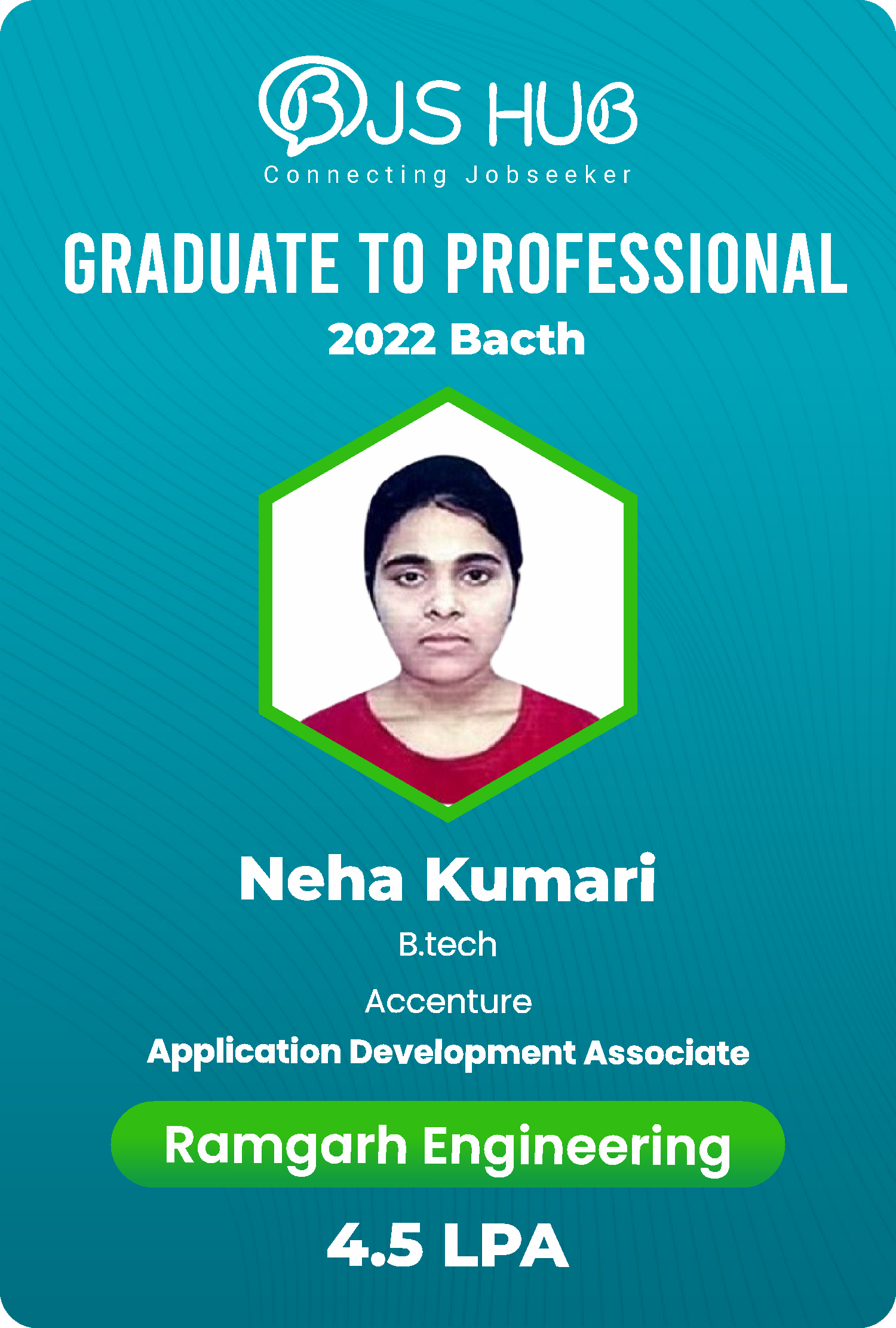
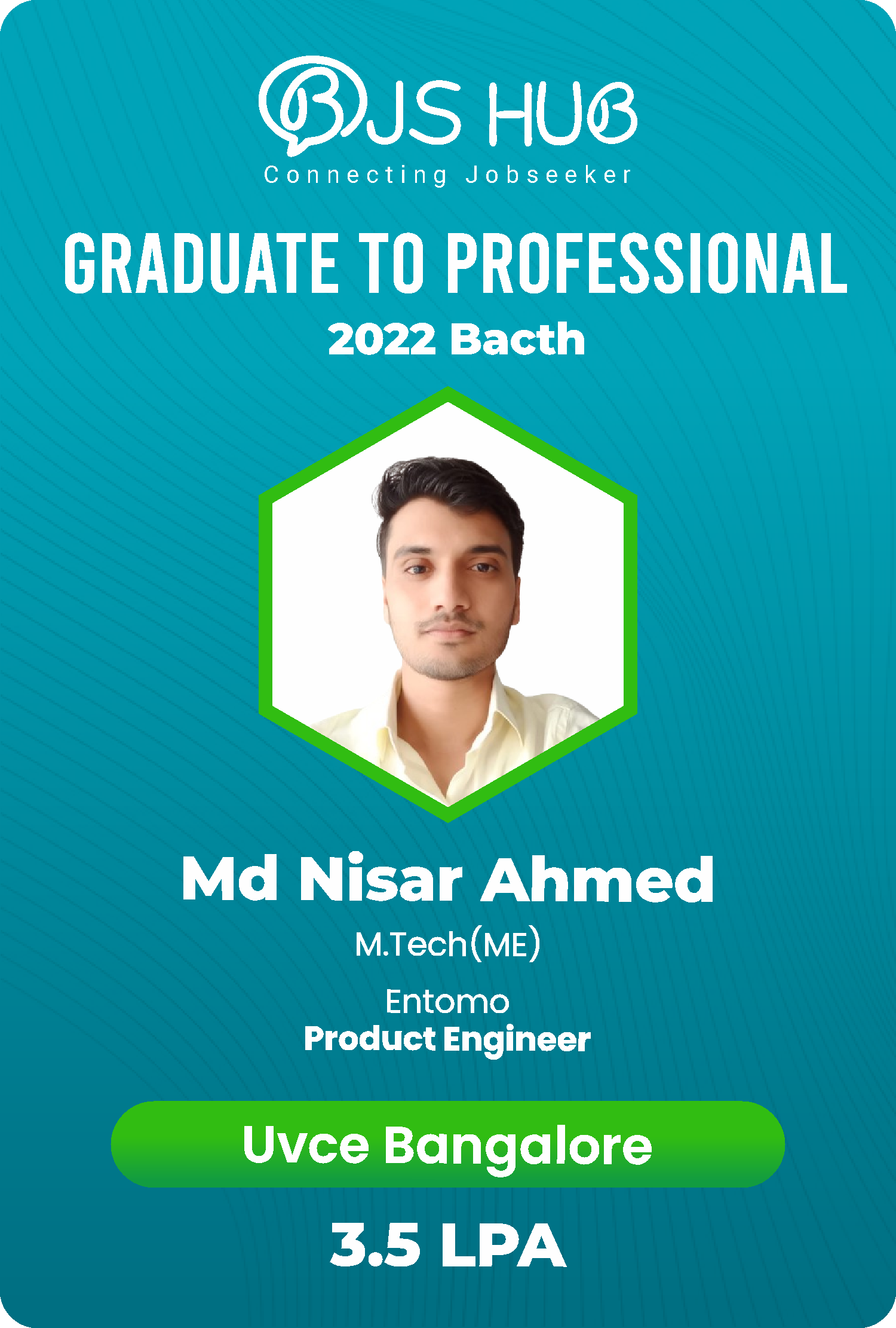
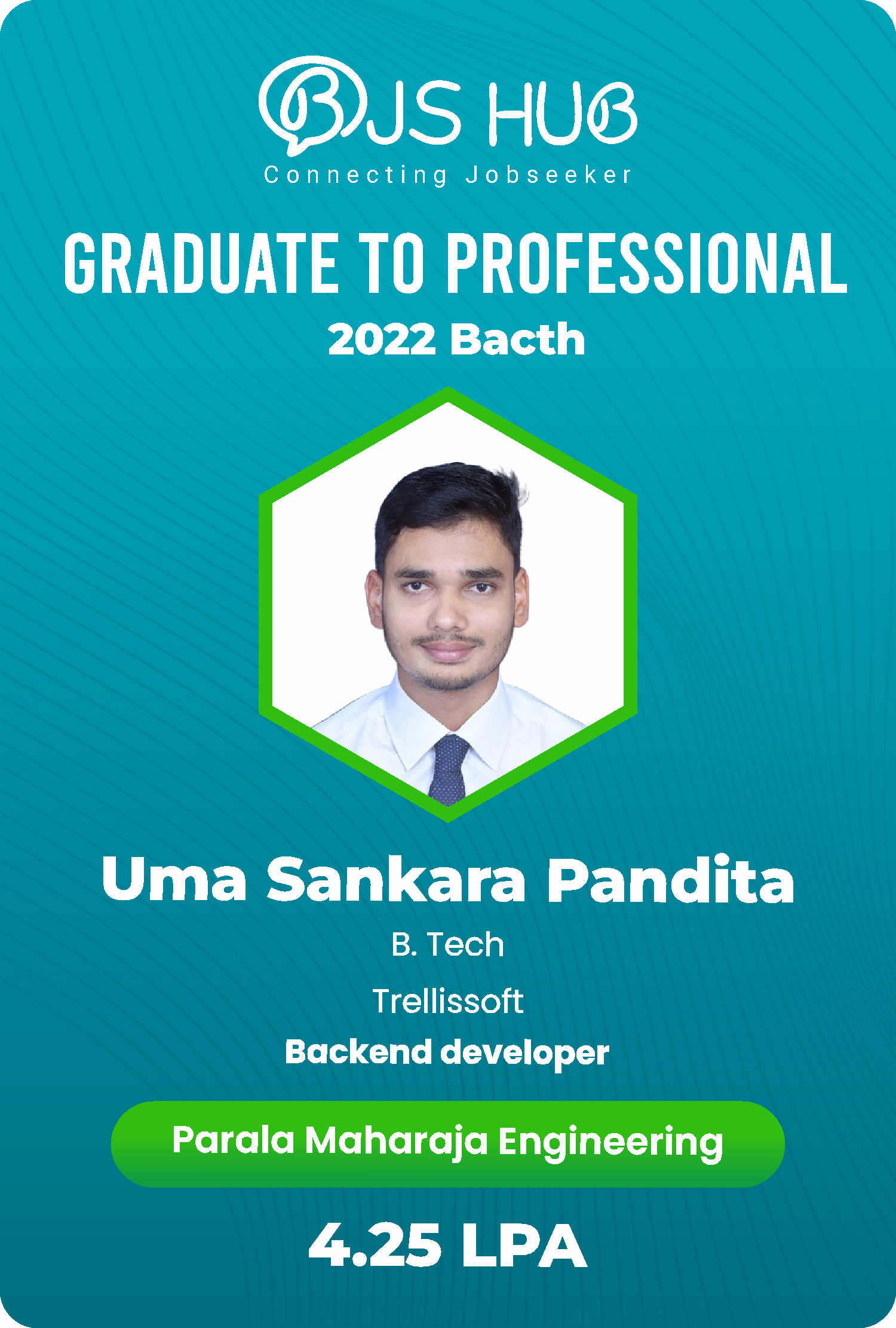
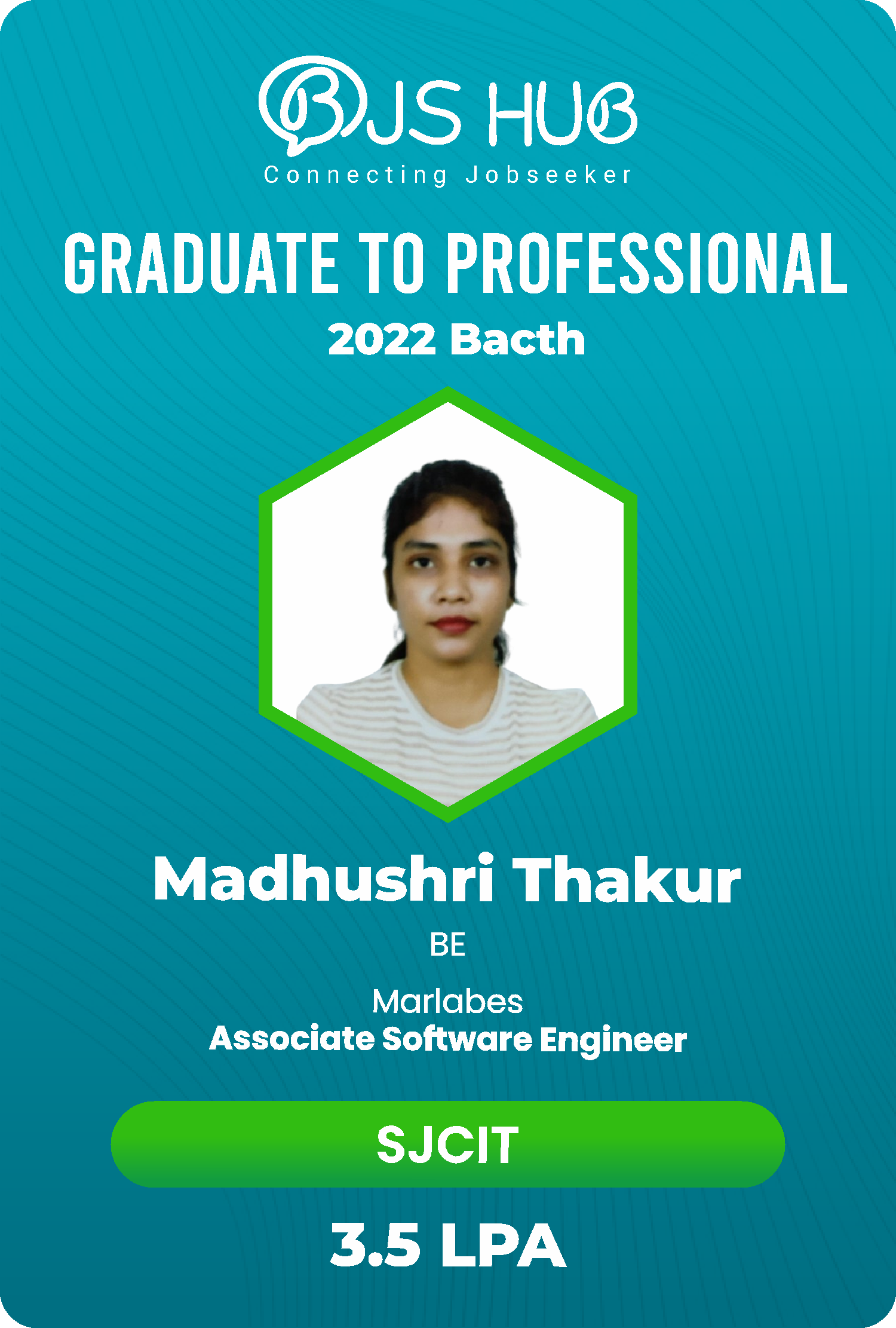
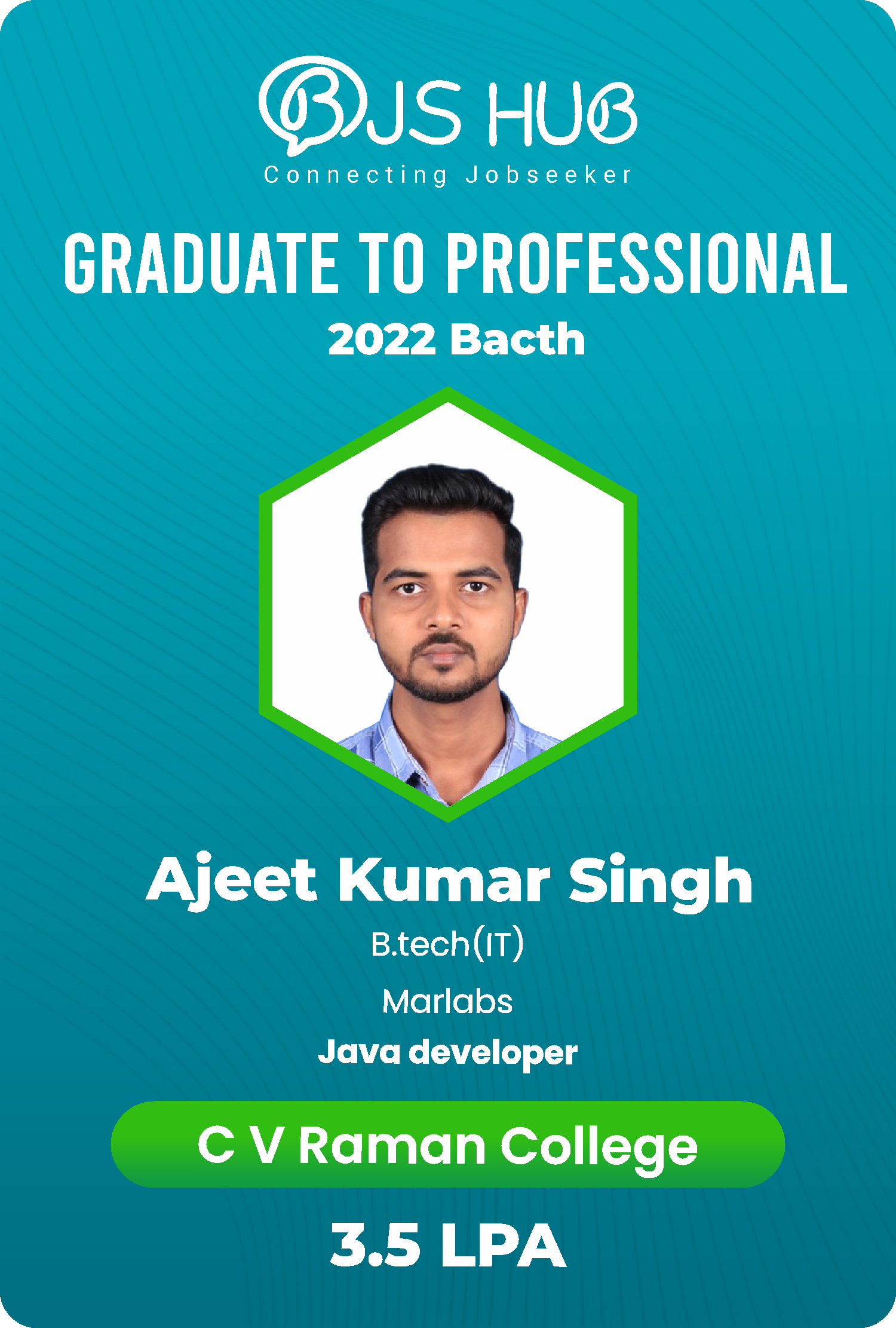


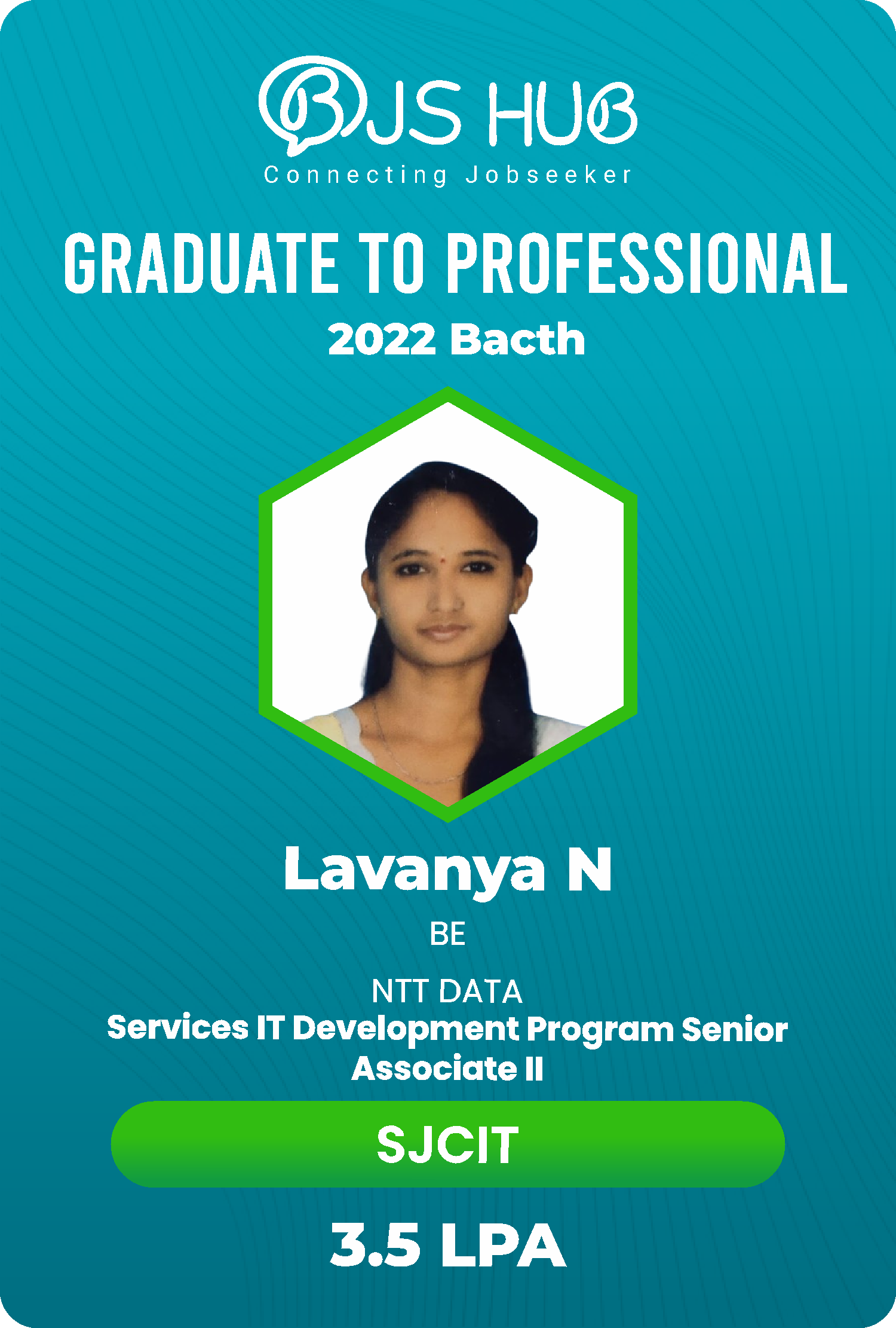

It’s been wonderful and learning experience with BJShub. Trainers and Management are much supportive. It’s been only three months here and i got two job opportunities that too with good packages. BJS helps to get started from ground zero and trains until getting placed in job. It was very good decision to enroll into BJShub. Learn a lot. Thank You.

Sudeep Chawle
It’s a great pleasure to joined Bjshub. Thank you Bjshub team for all the support to getting into IT job.

Payal Gaur
Frequently Asked Questions
If you have any other questions or need further assistance, please don’t hesitate to reach out to us. We’re here to help!
What courses do you offer?
- Full Stack Development
- Full Stack Testing
- Salesforce Testing
- Salesforce Admin
How can I enroll in a course?
Enrolling in a course is easy! Simply visit our website, browse our course catalog, select the course you’re interested in, and follow the instructions to complete the enrollment process.OR Use the registor form and provide your basic details. Our team will connect with you.
Are your courses available online or in-person?
We offer both online and in-person courses to accommodate different learning preferences and schedules. You can choose the format that best suits your needs.
What are the qualifications of your instructors?
Our instructors are highly qualified professionals with extensive experience in their respective fields. They are experts in their subjects and dedicated to helping students succeed.
Can I access course materials after completing the course?
Yes, you will have access to course materials even after completing the course. You can refer back to the materials for review or to refresh your knowledge whenever you need to.
Do you offer any discounts or financial assistance?
We occasionally offer discounts and promotions on our courses. Additionally, we may have financial assistance programs available for eligible students. Please contact our admissions team for more information.
Do you offer any discounts or financial assistance?
We occasionally offer discounts and promotions on our courses. Additionally, we may have financial assistance programs available for eligible students. Please contact our admissions team for more information.
Who Can enroll your course ?
Anyone with an interest in programming and a desire to learn can enroll in our programming classes. Whether you are a complete beginner or have some prior experience, our courses are designed to accommodate learners at various skill levels. Whether you’re a student, professional, or someone looking to switch careers, our programming classes provide a comprehensive learning experience to help you achieve your goals.
Is there any demo session are there ?
Yes, you can attend 5 days of FREE demo classes .
Is the course available online or offline ?
Our all courses are available both online and offline, providing flexibility for learners with different preferences and schedules. You can choose the format that best suits your needs and learning style. Online courses offer the convenience of learning from anywhere with an internet connection, while offline classes provide an immersive learning experience in a physical classroom setting.
When i can attend for the placement ?
The timing for placement opportunities may vary depending on the course and your individual progress. We offer career assistance services to help you prepare for placement opportunities, including resume building, interview preparation, and job search strategies. Typically, placement assistance becomes available towards the end of your course or upon completion. Our team will provide guidance and support throughout your journey to help you transition into the workforce successfully. Please contact our career services department for more specific information regarding placement timelines and opportunities.
Do you provide any learning material too ?
Yes, we provide comprehensive learning materials as part of our programming classes. These materials are designed to support your learning journey and help you gain a solid understanding of the course content. Depending on the course, learning materials may include textbooks, lecture notes, video tutorials, coding exercises, quizzes, and additional resources. Our goal is to ensure that you have access to all the necessary resources to succeed in your programming studies.
Do you have tie-up with companies for placement ?
Yes, we have partnerships and connections with various companies and employers in the industry to facilitate placement opportunities for our students. Our dedicated career services team works tirelessly to establish and maintain relationships with companies looking to hire skilled professionals in programming and related fields. While we cannot guarantee job placement, we strive to connect our students with potential employers and provide support throughout the placement process, including networking events, job fairs, and interview preparation. Additionally, we may offer internship opportunities and job placement assistance to eligible students based on their qualifications and performance in our courses.